Configure the EN 50160 Report
- To configure EN 50160 Report, ensure you have added IEC61850, and PQ Advisor extension modules to project.
- You have a valid IEC 61850, and Power Quality license, and activated it.
- You have integrated at least one IEC 61850 device, refer Integrating the IEC 61850 Devices.
- You have selected the EN 50160 report type for configuration.
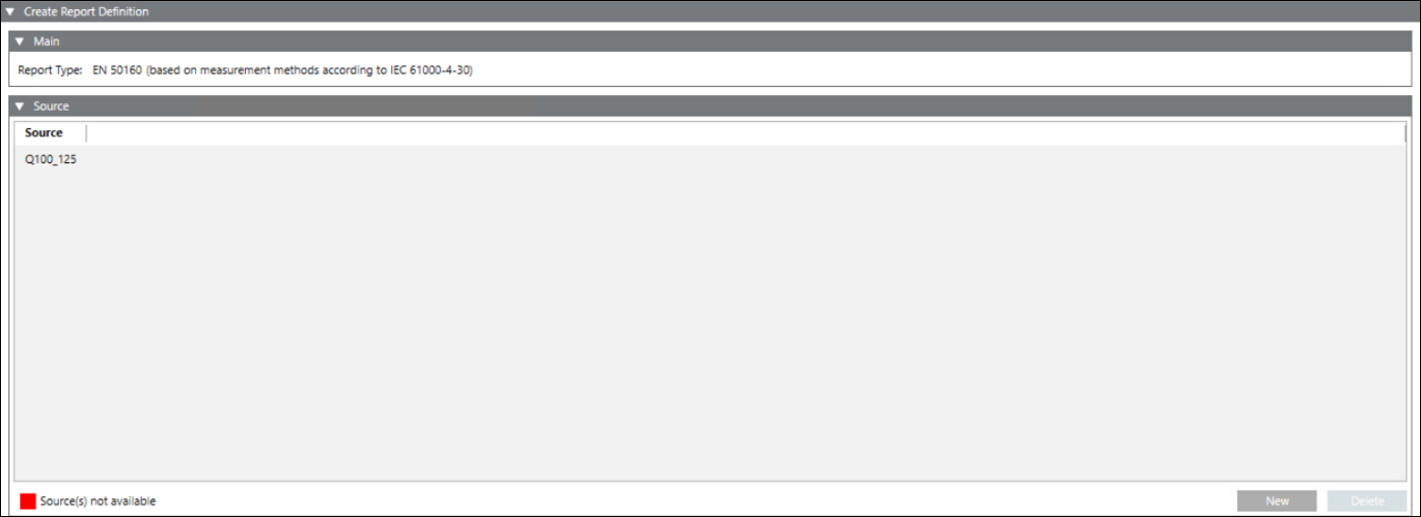
- The Report Definition configuration page displays.
- In the Source expander, drag-and-drop device or click New and select device from the drop-down to add a device for which the report needs to be generated.
NOTE 1: Only Power Quality devices with IEC61850 protocol are available for EN 50160 report.
NOTE 2: You can configure up to 10 Power Quality devices in one EN 50160 report. - Click Save
 .
. - The Save Object As dialog box displays.
- Enter a name and description and click OK.
- The EN 50160 report definition is configured.

For devices with both Star and Delta configurations, only Delta configuration will be displayed in EN 50160 report.
The EN 50160 report is based on measurement methods according to the IEC 61000-4-30 standard.