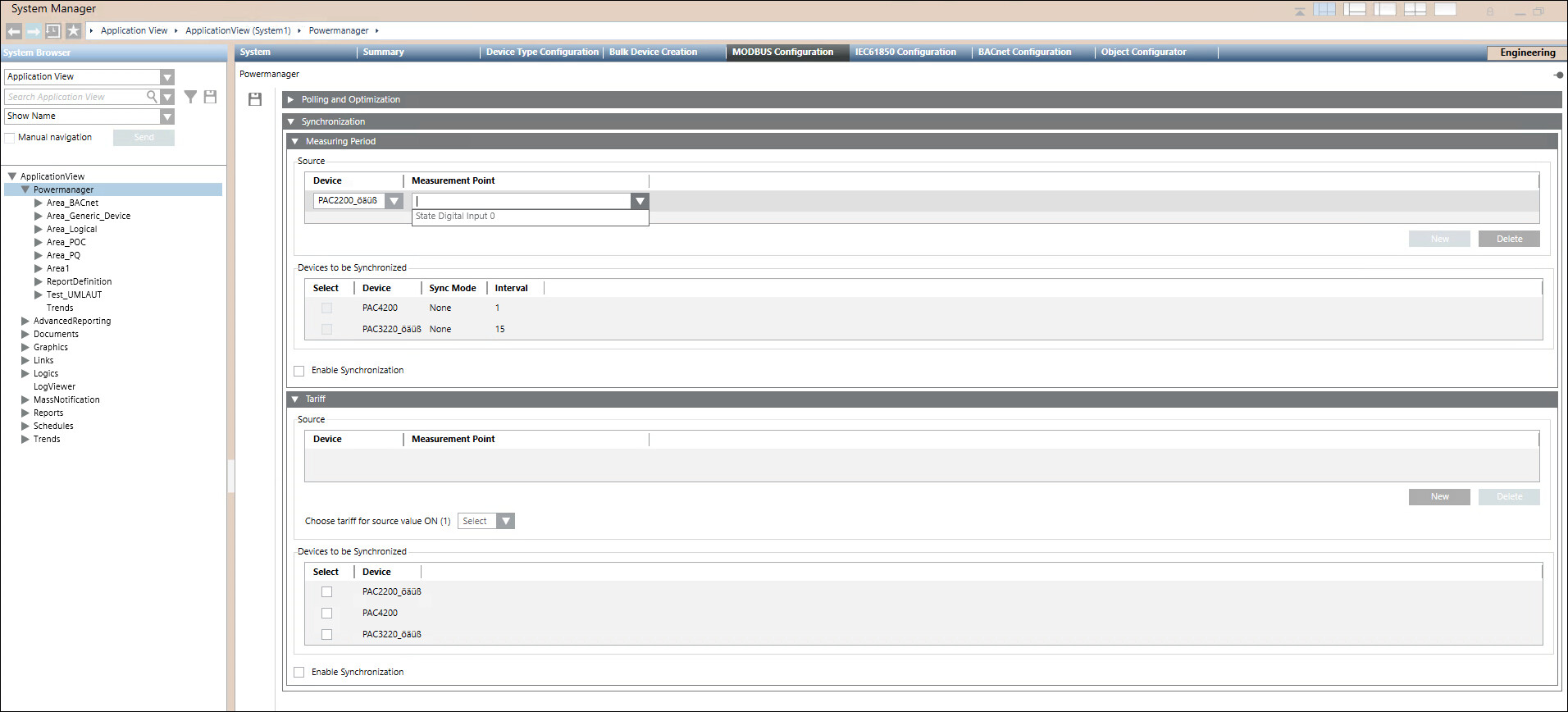
Select a Device and Measurement Point from the drop down list.
Navigate to Devices to be Synchronized section and select the required device from the list.
Check-in the Enable Synchronization check box.
Click Save.
Activate the digital input on the source device. Upon activation, synchronize the measurement periods of all selected devices with the PC date and time.